
Supermarkets and grocery stores put pressure on every part of a POS workflow. A busy branch may be handling barcode checkout, loose items sold by weight, supplier price changes, multiple cashier lanes, expiry-sensitive goods, and constant stock movement at the same time.
That is why a supermarket cannot rely on a basic billing tool for long. It needs a system that can support grocery operations properly. SmartBillPos does this through a dedicated grocery mode that combines fast checkout with weighted selling, stock visibility, and expiry awareness.
Why Supermarkets Need a Grocery-Aware POS
A supermarket is not just a larger retail shop. It usually sells both packaged and loose products, and that changes the billing and stock workflow.
A strong POS system in Sri Lanka for supermarket use should support:
- barcode-based checkout
- weighted products
- decimal quantity sales
- price-per-unit logic
- optional expiry visibility
- real-time stock movement across cashier lanes
Without those controls, daily operations become slower and management loses visibility.
How SmartBillPos Grocery Mode Works
The core supermarket stock flow is still simple:
supplier -> purchase -> stock -> sale
What changes in grocery mode is how products are defined and sold.
SmartBillPos can support:
- packaged goods sold by piece
- loose goods sold by weight
- decimal quantities like
0.250,0.500, or1.250 - products that use price per weight unit
- stock and dashboard alerts for items needing attention
That makes it easier for one system to handle everything from bottled drinks to fruits, vegetables, meat, and other loose grocery lines.
What SmartBillPos Solves for Supermarkets
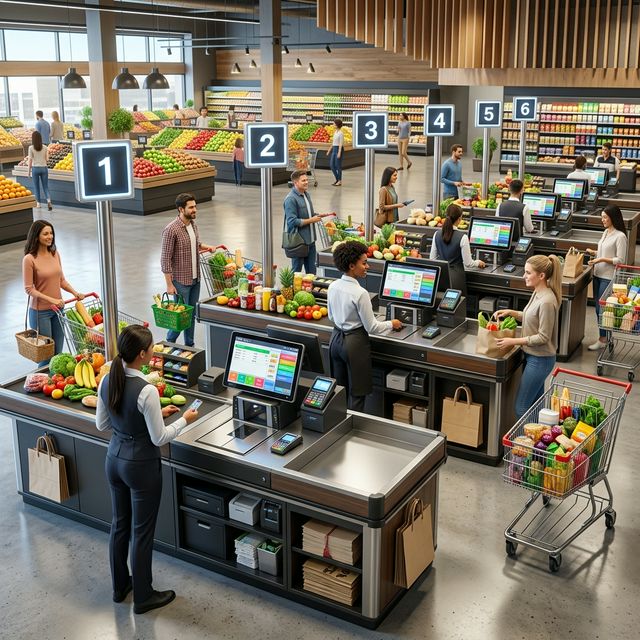
Faster Barcode Billing Across Multiple Counters
A supermarket needs checkout speed, especially during peak hours. SmartBillPos supports fast barcode-based billing so cashiers can move through baskets quickly while still keeping stock updates synchronized across counters.
That helps reduce:
- queues at checkout
- manual pricing mistakes
- mismatches between lanes
- end-of-day confusion
If checkout speed is a key issue in your store, also read how to speed up billing at your retail shop in Sri Lanka.
Weighted Products and Decimal Quantities
Weighted selling is one of the most important supermarket requirements. Some items are sold by piece, while others are sold by the measured quantity.
SmartBillPos grocery mode helps the team work with:
- items sold by weight
- decimal quantity entry
- price-per-unit calculations
- grocery-friendly billing behavior
This is important for products such as:
- rice
- onions
- apples
- meat by weight
Better Expiry Awareness for Grocery Stock
Not every supermarket product needs batch and expiry tracking, but many do. Packaged foods, dairy, household goods, and sensitive grocery items can all create losses if expiry is ignored.
SmartBillPos helps staff monitor stock that needs attention so the business can:
- rotate stock earlier
- plan promotions before expiry
- reduce waste
- improve shelf discipline
The best practice is to keep the billing page fast while using dashboards and stock pages for broader expiry awareness.
Live Inventory and Reorder Visibility
Supermarkets cannot treat stock control as an end-of-day task. Every sale changes what needs to be reordered and what is at risk of running out.
SmartBillPos helps owners and managers see:
- fast-moving items
- slow-moving items
- products near reorder point
- category-level stock behavior
For a broader stock-control framework, see inventory management for small businesses in Sri Lanka.
Better Cashier Oversight and Pricing Control
Because supermarkets often run multiple counters, cashier control matters just as much as speed. Owners need clearer visibility into sales, discounts, voids, and drawer activity.
SmartBillPos helps create that structure so pricing changes, billing actions, and cashier behavior are easier to review.
This is especially useful alongside our article on reducing billing errors and cash shortages.
What to Compare Before Buying Supermarket POS Software
1. Can it handle both barcode and weighted billing?
A supermarket often needs both in the same branch.
2. Does stock update correctly across active lanes?
Shared inventory accuracy matters when several cashiers bill at the same time.
3. Are expiry and low-stock alerts practical?
The system should help the team act early, not only report problems later.
4. Is reporting useful for real buying decisions?
Category sales, slow movers, cashier activity, and reorder planning should be easy to review.
5. Is the system practical for growth?
If you add more counters, more products, or another branch, the setup should still remain manageable.
Is SmartBillPos Good for Growing Grocery Businesses?
Yes. SmartBillPos works well for neighborhood supermarkets, mini marts, grocery chains, and mixed retail businesses that need a practical POS system in Sri Lanka with modern billing and stock controls.
It is especially useful for businesses that want:
- weighted item support
- faster cashier workflow
- better stock visibility
- expiry awareness
- owner reporting without complicated infrastructure
Final Thoughts
A supermarket needs more than a machine that prints receipts. It needs software that reflects real grocery operations.
SmartBillPos does that by combining barcode billing, weighted product support, live stock visibility, expiry awareness, and cashier control in one system. If you want to explore the commercial side, visit pricing. If you want to review broader capabilities, see features. If you want a supermarket-focused demo, contact SmartBillPos.